
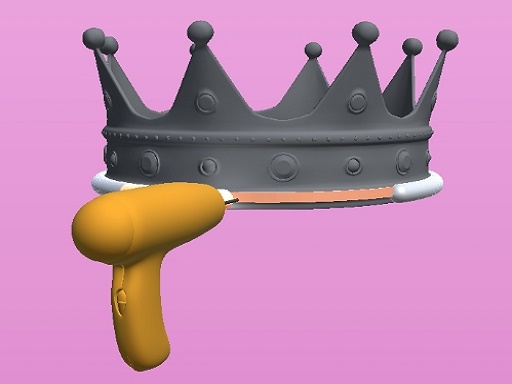
Welding Simulation 3D
Categories:
In Welding Simulation 3D, you take on the role of a weld master: line up metal pieces, perform the weld, and finish the job with a clean paint finish. The game’s realistic mechanics let you hone your skills without the need for a real torch.
How to Play Welding Simulation 3D
- Place parts correctly – Align each component before you begin the welding process.
- Execute the welding process – Activate the weld to fuse the aligned parts together.
- Finish by painting – Once the weld is complete, apply paint to the object with precision.
- Experiment with a variety of objects – The game offers multiple metal shapes and configurations to keep the challenges fresh.
- Revisit your creations – After painting, you can refine or tweak the weld to achieve perfection.
Controls
Mouse click or tap to play.
Tips for Welding Simulation 3D
- Double‑check part alignment before you start the weld to avoid errors.
- Watch the weld indicator to time the process accurately.
- Use the painting tool carefully; a few well‑placed strokes complete the job.
- Practice with each object type to become comfortable with its unique welding requirements.
FAQ
Line up metal pieces, activate the weld to fuse them, and finish the job by painting a clean surface.