
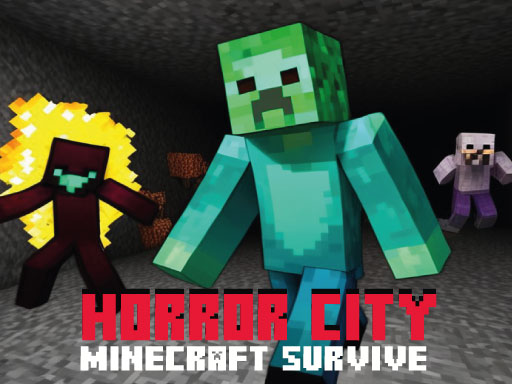
Horror City Minecraft Survive
Enter a chilling world of suspense and danger in Horror City Minecraft Survive—an online survival game that places you in a haunting, block‑styled city overrun by terrifying creatures. Your goal: navigate the city, use Minecraft‑style block building to survive, and escape each level before the Minecraft ghosts catch you.
How to Play Horror City Minecraft Survive
- Move your character through the eerie city streets and alleys, avoiding hostile creatures that roam the environment.
- Craft and place blocks using the classic Minecraft block‑building mechanics to create obstacles, build shelters, or block the path of pursuing ghosts.
- Trial each level for its unique challenges, ensuring you find a route to exit before the ghosts close in.
Controls
- W – Forward
- A – Left
- S – Backward
- D – Right
- Spacebar – Jump
- Mouse – Move the camera to look around the environment
- F – Interact with items (pick up, place blocks, open doors, etc.)
Tips for Horror City Minecraft Survive
- Stay mobile: Keep moving to reduce the chance of the ghosts spotting you.
- Use block building strategically: Quickly place blocks to block a ghost’s path or create a temporary safe space.
- Plan your route: Look ahead for potential obstacles and dead ends before committing to a path.
- Jump over quick dangers: Use the spacebar to avoid sudden jumps, pits, or creature attacks that can catch you off‑guard.
FAQ
Navigate the haunted city, use block building to stay safe, and escape each level before the Minecraft ghosts catch you.