
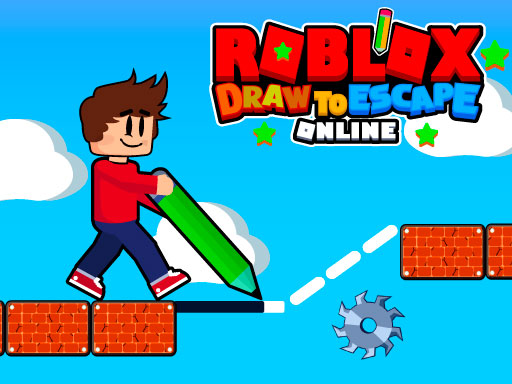
Roblox Draw to Escape Online
Ready to sketch your way out? In Roblox Draw to Escape Online you draw the platforms you’ll hop on, dodge hazards, and race against the clock to reach the level’s end.
How to Play Roblox Draw to Escape Online
- Sketch platforms or blocks that act as safe footing for your character.
- Avoid objects that can vanish or explode, which will eliminate you.
- Collect coins scattered throughout each level.
- Earn stars during gameplay; finishing a level with stars unlocks extra coins.
- Stay mindful of the time limit – every level has a countdown that pressures you to finish quickly.
- Use collected coins to purchase new skins for your character.
- Each level presents a new layout, so every playthrough feels fresh.
Controls
- Use the mouse to draw the platforms you need.
- Press A to move your character left.
- Press D to move your character right.
- Press Spacebar to make a (action).
Tips for Roblox Draw to Escape Online
- Plan your drawings early: Map out a clear path before you start moving to avoid last‑minute chaos.
- Watch for disappearing/exploding objects: Keep an eye on the environment so you can avoid standing on anything that might vanish while you’re on it.
- Collect coins strategically: Focus on the most valuable spots to maximize your coin haul, giving you more skins to buy later.
- Balance speed and accuracy: Finish each level before the timer runs out, but cross your fingers for precise movements to dodge sudden hazards.
FAQ
Sketch safe platforms, avoid hazards that vanish or explode, collect coins, earn stars, and finish the level before the countdown expires to reach the level’s end.