
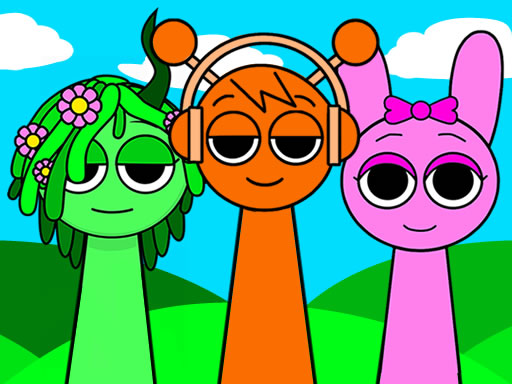
Sprunki Incredibox
Grab a mouse, tap the icons, and dive into a nine‑member orchestra of quirky creatures in Sprunki Incredibox. Already on the screen are black‑and‑white silhouettes; drag the panel icons onto them to give each funny Sprunki a unique look.
How to Play Sprunki Incredibox
- The game offers an extended orchestra of nine singers that you’ll help create.
- A playing field shows bare silhouettes of Sprunki.
- A panel of icons sits at the bottom of the screen.
- Drag an icon over a silhouette to perform a specific action that changes that character’s appearance.
- Repeat for each Sprunki; gradual customization builds a complete, individual image for every member of the group.
Controls
- Mouse click or tap to play
Tips for Sprunki Incredibox
- Drag each icon directly onto a silhouette; the action appears instantly, letting you see the change.
- Use different icons on different Sprunki to keep the visuals varied and interesting.
- Select an icon that matches the style you want (e.g., color, shape) before moving it over the silhouette.
- Focus on finishing customization for one Sprunki before starting the next to maintain a clear workflow.
FAQ
Create a complete, individual image for each of the nine Sprunki by customizing their appearance with icons.