
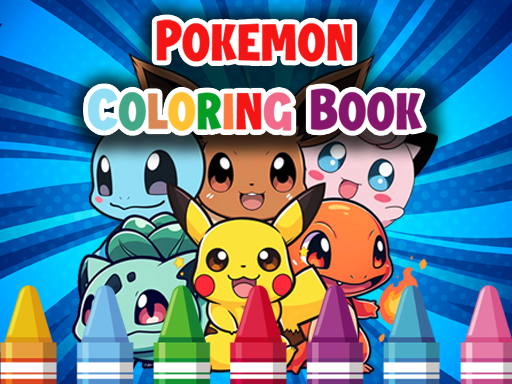
Pokemon Coloring Books
Jump into the world of Pokémon with the Pokémon Coloring Book app where your mission is simply to bring Pokémon characters to life by adding color.
With a palette of pastel, watercolor, and pencil brushes, you’ll color beloved figures like Pikachu, Charizard, Bulbasaur, and more, exploring endless color possibilities across a variety of themed pages.
How to Play Pokémon Coloring Books
- Select a Pokémon or scene from the page catalog.
- Choose a brush style—pastel, watercolor, or pencil—to adapt the look of each color.
- Click or tap on the drawing to apply the chosen brush with your selected color.
- Use the color wheel to pick precise hues for different areas of each Pokémon.
- Work through the entire illustration until all parts are filled and your creation feels complete.
Controls
Mouse click or tap to play
Tips for Pokémon Coloring Books
- Pick the right brush for texture: Use pastel for soft, gradient shading; watercolor for blending effects; pencil for fine lines and details.
- Plan your color blocks first: Outline larger sections before filling in smaller details to keep your artwork organized.
- Take advantage of bright colors for highlights: Highlight eyes, cheeks, and flames to bring your Pokémon to life.
- Use the undo button sparingly: It’s handy for quick corrections but saves some time by preventing over‑editing.
FAQ
The main objective is to color a selected Pokémon or scene completely, filling all parts until the illustration feels finished.