
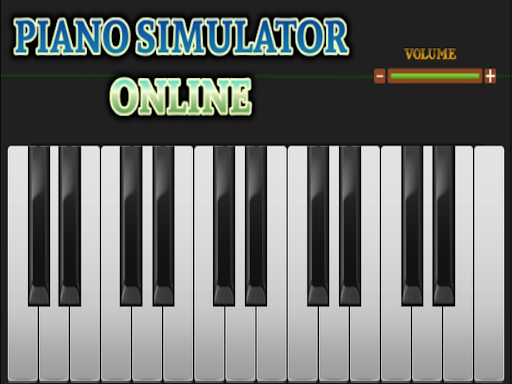
Piano simulator online
Categories:
Play melodies by typing notes with your keyboard on desktop or tapping the screen on mobile. Record a performance on PC and download the file in your favorite format.
How to Play Piano simulator online
- Use the computer keyboard to press the corresponding letter keys that represent piano notes.
- When playing on a touch‑screen device, tap the screen where the notes appear.
- On desktop, you can record the music you play and then download the recording in any format you choose.
Controls
- Desktop devices: Keyboard input.
- Touch‑screen devices: Finger taps.
Tips for Piano simulator online
- Keep an eye on the notes that appear so your typing matches the rhythm of the piece.
- On desktop, take advantage of the recording feature to review and refine your performance.
- Toggle between different touch‑screen devices to find the feel that best matches your typing style.
FAQ
The main objective is to play melodies by typing notes on a computer keyboard or tapping notes on a touch‑screen device.