
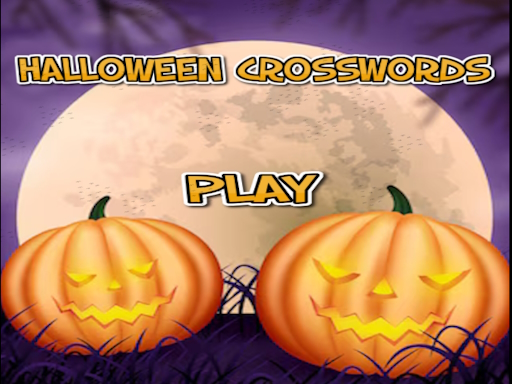
Halloween crosswords HTML5
Discover a fresh take on word puzzles with Halloween crosswords HTML5—an engaging single‑player crossword adventure that blends spooky themes with classic word‑finding gameplay.
How to Play Halloween crosswords HTML5
- Read the clue first, then select the appropriate number block to write your answer.
- For Across words: click once on the block number.
- For Down words: click twice on the block number.
- Keep an eye on the green arrow displayed beside each clue to verify you’re entering the answer in the correct direction.
- Navigate the crossword grid using the arrow controls on the screen; they’re the only way to move between blocks on mobile and tablet.
- Complete the word entries to progress through the three levels: the first two focus on Halloween themes, and the final level shifts to movie thriller topics.
Controls
Mouse click or tap to play.
Tips for Halloween crosswords HTML5
- Start by reviewing the clue carefully; choosing the right block number early keeps the grid organized.
- Pay close attention to the green arrow to avoid mistakenly entering a word in the wrong orientation—double‑click for down entries.
- Use the on‑screen arrows to move across the grid; this navigation method is crucial on touch devices.
- Progress level by level: the first two Halloween puzzles prime you for the final thriller‑themed crossword, so focus on building confidence with the easier themes before tackling the last level.
FAQ
Fill in the crossword grid with correct words that match each clue to complete all three levels: the first two levels center on Halloween themes, and the final level shifts to movie thriller topics.