
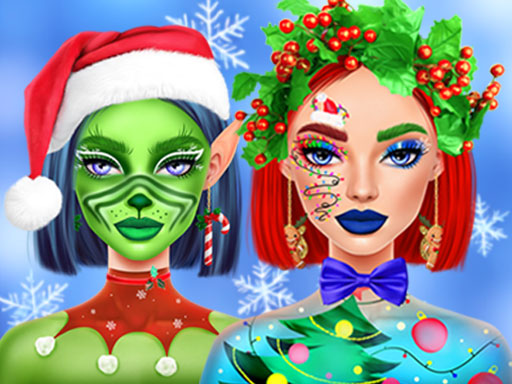
Ellie Christmas Makeup
Get ready to transform Ellie’s look with a burst of holiday sparkle: in Ellie Christmas Makeup, you’ll help her style up three festive looks—Candy Cane Queen, Christmas Queen, and an iconic character‑inspired look—using a colorful array of eyeshadows, lipsticks, patterned blushes, accessories, and more.
How to Play Ellie Christmas Makeup
- Choose the right combination of eyeshadows, lipsticks, blushes, and accessories from the available selection.
- Apply each item to Ellie’s face to build a specific Christmas‑themed makeover.
- Complete each makeover to unlock the next look, aiming to finish all three:
- Candy Cane Queen
- Christmas Queen
- Iconic character‑inspired style.
- Use the assorted makeup tools to match the theme’s colors and patterns, ensuring Ellie’s final appearance fits each holiday vibe.
Controls
- Use your mouse to pick and apply makeup on desktop; tap on mobile devices.
Tips for Ellie Christmas Makeup
- Test out different eyeshadow shades first—splashy reds and bright oranges work well for Candy Cane Queen.
- Keep lipsticks bold; a classic red or deep plum suits Christmas Queen’s regal feel.
- Layer patterned blushes carefully; adding a subtle shimmer gives depth without overwhelming the look.
- Don’t overlook accessories—bells, ribbons, or festive hairpins complete the character‑inspired style and make Ellie truly jingle‑ready.
FAQ
Apply combinations of eyeshadows, lipsticks, blushes and accessories to create the Candy Cane Queen, Christmas Queen, and a character‑in‑spired look, unlocking each new look as you finish the previous one.