
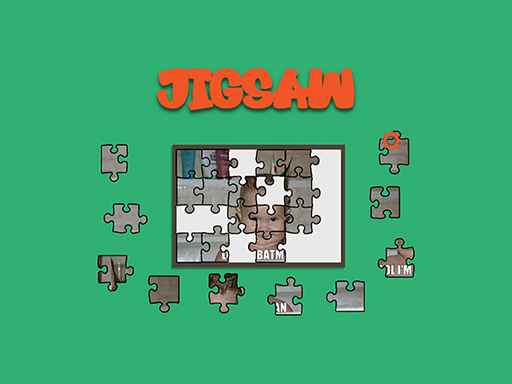
Dynamic Jigsaw
Dynamic Jigsaw lets you turn any picture into an interactive puzzle—pick each piece, drag it with the mouse, and drop it into its correct place until the image snaps together. You can even upload a photo from your computer to create a custom challenge.
How to Play Dynamic Jigsaw
- Select any floating puzzle piece.
- Drag the chosen piece over the board with the mouse.
- Release the mouse button to drop it into place; pieces snap in when positioned correctly.
- Build from the outer edges toward the center for a smoother assembly.
- Upload your own image from local storage to start a new, personalized puzzle.
Controls
- Drag and drop the puzzle pieces using mouse click.
Tips for Dynamic Jigsaw
- Start with corner and edge pieces to establish a frame before filling the interior.
- Hold the mouse button until the piece glides smoothly into its slot; abrupt releases can misplace it.
- Zoom in on the board when working with small or intricate pictures to better align corners.
- If a piece isn’t snapping, double‑check that it’s oriented correctly—sometimes rotating a piece before dropping makes all the difference.
FAQ
Reassemble a picture by dragging each puzzle piece into its correct position until the image snaps together.