
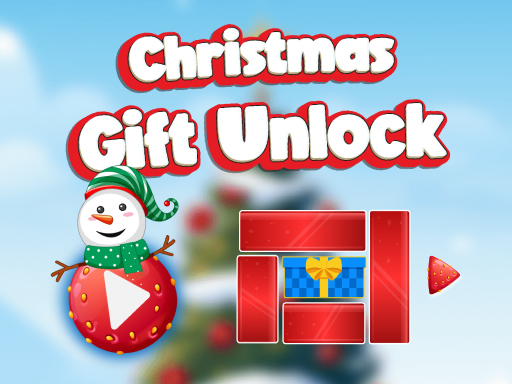
Christmas Gift Unlock
Categories:
Slide vivid holiday blocks across the screen, strategically clearing a path so the gift box can slip out of the grid and claim the ultimate Christmas present. The goal is to use every move wisely to outmaneuver increasingly challenging puzzles.
How to Play Christmas Gift Unlock
- Use your mouse (desktop) or touch (mobile) to click or tap the red blocks.
- Drag each block horizontally or vertically; the block you pull simply shifts, clearing space for the gift box.
- Keep sliding blocks until the gift box reaches the edge of the puzzle grid.
- Each level escalates in difficulty, so plan your moves ahead to avoid bottlenecks.
Controls
- Desktop:
- Left‑mouse button, click and hold on any red block.
- Drag the block left/right or up/down to shift its position within the grid.
- The gift box will move through the path you create, aiming to exit the grid.
- Mobile:
- Tap and drag a red block horizontally or vertically, just like on desktop, sliding it to free the gift box.
Tips for Christmas Gift Unlock
- Think a few blocks ahead: visualise where the gift box will end up after you shift a block.
- Use every space efficiently: each slide should open new avenues for the box, not just move a single block.
- Observe how the layout changes from level to level: early puzzles are simpler, but later ones require more precise steering.
- Keep the gift box centered when possible: this reduces the risk of the box being trapped against a wall.
FAQ
Clear a path for the gift box to exit the grid by sliding red blocks.